Mac Setup
To connect to a file server directly, use the Connect To Server feature of the Finder. Select Go > Connect To, and enter the connection URL.
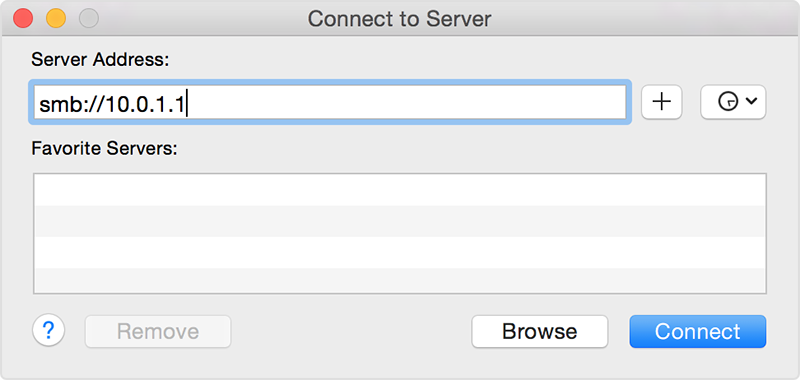
Click Connect to create the connection. You will be prompted to enter your credentials.
Warning
The username must be prefixed with the share domain name something like: SOWA-SRV\\<YOUR-LOGIN>
Repeat the procedure for each shared folder you have access to.
Troubleshooting
When troubleshooting a connection issue, you can ping the remote server using Network Utility. A successful ping verifies a TCP/IP connection between the two computers. This is an important first troubleshooting step. However, a successful ping does not mean the SMB service is also available or working from the other computer.
If you are not able to connect, check to see if your firewall is blocking TCP ports 137, 138, 139 and 445.
You can always contact support if you cannot make it work.